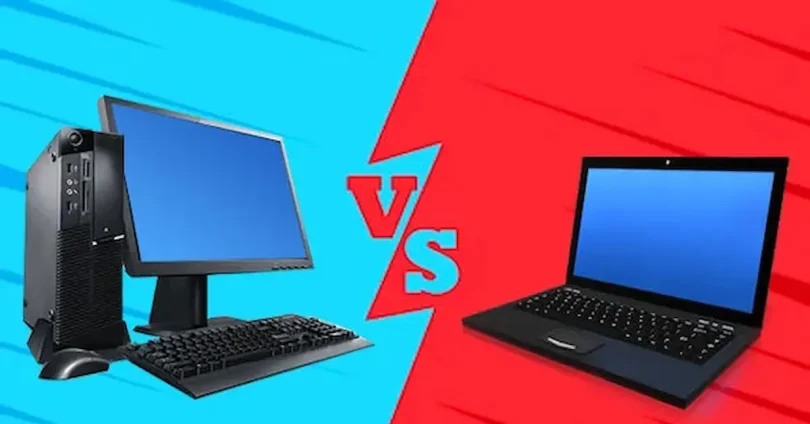

Choosing between a laptop and a desktop is one of the most common questions for anyone looking to buy or upgrade a computer. Both devices have their own advantages and disadvantages, and the best choice depends on your needs, lifestyle, and budget.
Laptops are known for their portability, allowing you to work, study, or game from anywhere. Desktops, on the other hand, usually offer better performance, upgrade options, and value for money, making them ideal for heavy gaming, professional work, or long-term use. Laptop vs desktop comparison
This guide will break down the key differences between laptops and desktops in terms of performance, portability, upgradeability, cost, and more, helping you make an informed decision that fits your specific needs.
Performance of Laptop vs Desktop Comparison
Performance is a key factor that often separates desktops from laptops. Desktops generally provide higher processing power, superior multitasking, and better long-term performance, while laptops trade some of that power for portability, energy efficiency, and compact design. Understanding the performance differences will help you choose the right device for your needs, whether it’s gaming, professional work, or everyday computing.
CPU and Processing Power
- Desktops: Typically feature full-sized processors with higher clock speeds, more cores, and superior multi-threaded performance. This makes them ideal for heavy workloads such as video editing, 3D rendering, software development, and modern gaming.
- Laptops: Use mobile or low-power CPUs designed for energy efficiency and thermal management. While capable of handling most tasks, laptops may throttle performance under sustained heavy loads due to heat and battery limitations.
Graphics Capabilities (GPU)
- Desktops: Can house full-sized, high-end GPUs that deliver ultra-smooth gaming, 4K content creation, and accelerated AI tasks. They also allow multiple GPU setups for advanced computing needs.
- Laptops: Typically come with integrated graphics or mobile GPUs. High-end gaming laptops exist, but they are more expensive and often less powerful than equivalent desktop GPUs. Cooling constraints can also affect sustained performance.
RAM and Multitasking
- Desktops support larger RAM capacities (often 64GB–128GB or more), enabling smoother multitasking, faster rendering, and better performance in memory-intensive applications.
- Laptops are usually limited to 16GB–32GB of RAM, which suffices for most users but may struggle with professional workloads or heavy multitasking.
Storage Performance
- Desktops: Easily accommodate multiple storage drives, including NVMe SSDs and large HDDs, offering high-speed access and massive storage capacity.
- Laptops: Usually limited to 1–2 drives. While NVMe SSDs are common, upgrade options are restricted compared to desktops.
Upgrade Potential and Future-Proofing
- Desktops allow easy upgrades for CPU, GPU, RAM, storage, and cooling solutions, extending the system’s lifespan and keeping it future-ready.
- Laptops have limited upgrade paths, typically restricted to RAM or storage, which can limit their performance over time.
Summary
If raw performance, multitasking, gaming, or creative work is your priority, desktops generally offer better value and longevity. Laptops are convenient and capable for everyday use, office tasks, and casual gaming but may fall short for intensive workloads. Laptop vs Desktop Comparison
Portability and Convenience
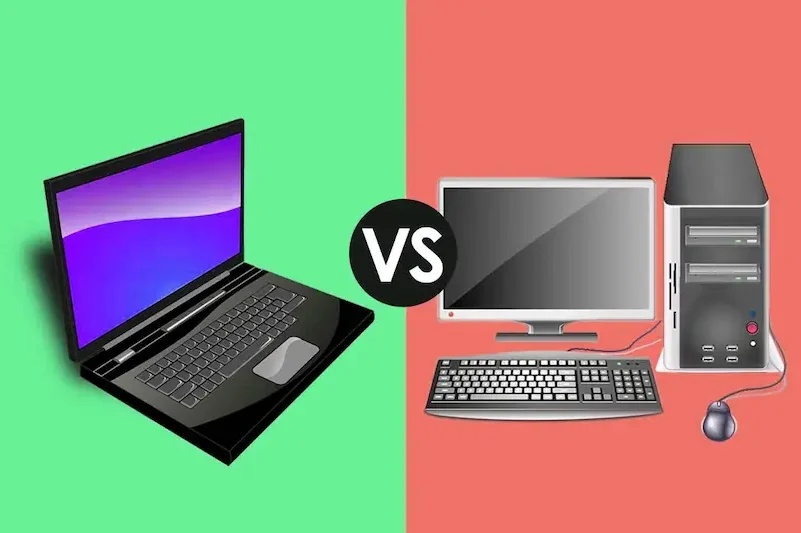
Portability is the biggest advantage of laptops. Unlike desktops, laptops are compact, lightweight, and easy to carry, making them ideal for students, professionals, and anyone who needs to work, study, or play from multiple locations. Convenience and mobility are often the main reasons people choose laptops over desktops. Laptop vs Desktop Comparison
Laptops: All-in-One Portability
- Laptops combine CPU, GPU, RAM, storage, display, keyboard, and battery into a single, portable device.
- Built-in battery power allows you to work without a wall outlet for several hours, ideal for travel, classes, or meetings.
- Lightweight designs mean you can carry them in backpacks or laptop sleeves with ease. Laptop vs Desktop Comparison
- Many laptops now include touchscreens, 2-in-1 convertible designs, and stylus support, adding versatility for creative work or presentations. Laptop vs Desktop Comparison
Desktops: Stationary Powerhouses
- Desktops require external monitors, keyboards, and mice, which makes them less portable. Laptop vs Desktop Comparison
- While compact mini-PCs exist, most desktops are designed for a permanent setup at home or in the office. Laptop vs Desktop Comparison
- Desktops excel in providing larger screens, ergonomic setups, and more powerful cooling solutions that laptops often can’t match. Laptop vs Desktop Comparison
Convenience Factors
- Laptops: Quick setup, no separate peripherals needed, can be used anywhere—coffee shops, classrooms, libraries, or offices. Laptop vs Desktop Comparison
- Desktops: Offer flexibility in monitor size, peripheral choice, and ergonomic arrangements, but require dedicated space and more setup time. Laptop vs Desktop Comparison
Use-Case Considerations
- Students & Professionals: Laptops are preferred due to their portability and convenience, allowing easy note-taking, online classes, or work-from-home flexibility. Laptop vs Desktop Comparison
- Gamers & Creators: Desktops are favored for superior performance, upgradeability, and cooling, but high-end gaming laptops or mobile workstations can offer portable alternatives. Laptop vs Desktop Comparison
- Frequent Travelers: Laptops are unmatched for mobility, while desktops are best for stationary, high-performance environments. Laptop vs Desktop Comparison
Summary
Laptops are ideal for those who need mobility, convenience, and a compact all-in-one device, while desktops are better suited for users who prioritize performance, customization, and long-term upgrade potential over portability.
you may also like to read these posts;
Smart Home Gadgets Review 2026: Top Devices for Convenience & Security
New Wearable Technology Trends 2026: Top Devices for Health & Productivity
Top Budget Gadgets for Students 2026: Affordable Tech for Study & Productivity
Innovative Gadget Reviews 2026: Top Smart Devices You Need to Know
Gadget Buying Guide 2026: How to Choose the Best Devices for Your Needs
Upgrade and Customization Options
One of the biggest differences between desktops and laptops is upgradeability and customization. Desktops offer extensive options to improve performance, extend lifespan, and tailor the system to your specific needs. Laptops, while convenient, are much more limited in what can be upgraded. Understanding these differences can help you decide which system suits your long-term goals. Laptop vs Desktop Comparison
Desktop Flexibility
- CPU Upgrades: Easily replace the processor with a newer, faster model to handle more demanding tasks.
- GPU Upgrades: Swap graphics cards for higher performance in gaming, 3D rendering, and video editing.
- RAM Expansion: Add more memory to improve multitasking, software performance, and future-proofing.
- Storage Options: Install multiple drives, including NVMe SSDs for speed and HDDs for large storage.
- Cooling Solutions: Upgrade to advanced air or liquid cooling for better performance and lower temperatures.
- Peripheral Customization: Desktops can support multiple monitors, mechanical keyboards, advanced mice, and high-quality audio setups. Laptop vs Desktop Comparison
- Aesthetic Customization: Cases, RGB lighting, and cable management options allow for a personalized setup.
Laptop Limitations
- Limited Upgrades: Most laptops allow only RAM and storage upgrades; CPU and GPU are usually soldered and cannot be replaced. Laptop vs Desktop Comparison
- Thermal Constraints: Compact cooling systems in laptops limit sustained high performance, especially under heavy workloads. Laptop vs Desktop Comparison
- Peripheral Dependence: While external devices can be connected, the internal hardware is mostly fixed.
Impact on Long-Term Performance
- Desktops can remain high-performing and relevant for years because individual components can be upgraded as needed.
- Laptops often need a full replacement sooner if internal components become outdated or underperforming.
Use-Case Considerations
- Gamers and Creators: Desktops are ideal for those who need upgrade flexibility, powerful GPUs, and high-end CPUs.
- Students and Professionals: Laptops offer portability and convenience, but limited upgrades may reduce their long-term value if software or performance needs increase. Laptop vs Desktop Comparison
Summary
Desktops excel in customization, upgradeability, and long-term performance, making them a better investment for users who prioritize power and flexibility. Laptops are perfect for those who need mobility and convenience, but their limited upgrade options can restrict future growth. Laptop vs Desktop Comparison
Cost and Value for Money
When deciding between a laptop and a desktop, cost and value for money are important factors. While both can meet your computing needs, the price-to-performance ratio often differs significantly.
Desktops: Better Performance per Dollar
- Desktops generally offer more power for the same budget compared to laptops.
- You can invest in high-end CPUs, GPUs, and RAM without paying a premium for portability.
- Upgrading individual components over time can extend the system’s lifespan without needing a full replacement, providing long-term value.
- Desktops allow custom builds, which can be tailored to performance needs and budget constraints, offering better efficiency and future-proofing.
Laptops: Premium for Portability
- Laptops include portability features like a built-in display, battery, and keyboard, which adds to the overall cost.
- High-performance laptops, such as gaming laptops or mobile workstations, are often more expensive than equivalent desktops.
- Upgrading is limited, so long-term performance may decline faster, sometimes requiring full replacement sooner.
Budget Planning
- If your priority is performance and long-term value, a desktop generally provides more bang for your buck.
- If mobility and convenience are essential, a laptop is worth the premium, but you may need to invest more to match desktop-level performance.
- Consider your needs: casual users may find mid-range laptops sufficient, while gamers and professionals may benefit more from desktop builds.
Summary
Desktops are usually cheaper per unit of performance and offer better upgrade paths, making them ideal for long-term investment. Laptops provide convenience and portability but often come at a higher price for the same performance level.
Longevity and Durability
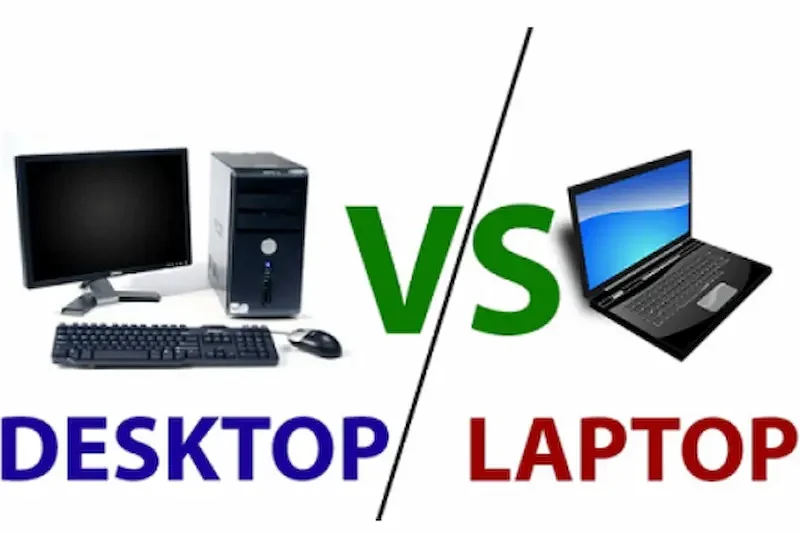
The lifespan and durability of your device are important factors when choosing between a laptop and a desktop. Both have pros and cons in terms of longevity, maintenance, and overall reliability.
Desktops: Long-Lasting and Easy to Maintain
- Desktops typically have better cooling systems, reducing wear on components and prolonging lifespan.
- Individual parts like the CPU, GPU, RAM, and storage can be replaced or upgraded, making it easier to keep the system relevant for years.
- Repairs are usually simpler and cheaper, as most components are modular and readily available.
- Desktops are less prone to overheating issues because of larger cases and better airflow.
Laptops: Portable but Limited Lifespan
- Laptop components are compact and often soldered onto the motherboard, limiting upgrade and repair options.
- Batteries degrade over time, reducing usage time and requiring replacement.
- Laptops can overheat more easily due to limited cooling, which may affect performance and lifespan.
- Repairs can be more expensive, especially for high-end laptops with integrated components.
Practical Considerations
- Desktops are ideal if you want a long-lasting, maintainable system that can grow with your needs.
- Laptops are suitable if mobility is essential, but expect shorter lifespan and potential additional costs for battery replacements or professional repairs.
Summary
Desktops generally offer better durability and longer lifespan, with easy maintenance and upgrades. Laptops provide portability and convenience, but their compact design and limited upgrade options may reduce long-term usability.
Which is better for gaming: laptop or desktop?
Desktops are generally better for gaming due to higher-performance GPUs, better cooling, and upgrade options. High-end gaming laptops exist, but they are usually more expensive and less upgradeable.
Are laptops worth the extra cost?
Yes, if portability and convenience are important. Laptops combine CPU, GPU, RAM, storage, display, and battery in one device, but you pay a premium compared to desktops with similar specs.
Can desktops be portable?
Standard desktops are not portable, but mini PCs or small form-factor desktops exist. These can be moved more easily, though they usually sacrifice performance or expandability compared to full-sized desktops.
Conclusion
Choosing between a laptop and a desktop depends on your needs, lifestyle, and budget. Laptops are perfect for those who prioritize portability, convenience, and all-in-one design, making them ideal for students, remote workers, and casual users. Desktops, on the other hand, excel in performance, upgradeability, and long-term value, making them the best choice for gamers, content creators, and professionals who need powerful systems.
By weighing factors such as performance, portability, upgrade options, cost, and durability, you can make an informed decision that fits your lifestyle. Ultimately, the best choice is the one that aligns with your daily tasks, future needs, and personal preferences.